Copying Text from Notepad++ to Microsoft Word
In the middle of doing up some documentation I realised that the formatting and colors aren’t kept when you copy and paste from Notepad++ to Microsoft Word. Luckily Google was able to help out by showing me default plugin that lets you keep all the syntax highlighting etc.
1: Hightlight any of the text you want copied
2: From the menu select Plugins > NppExport > Copy all formats to clipboard
3: Paste into Microsoft Word
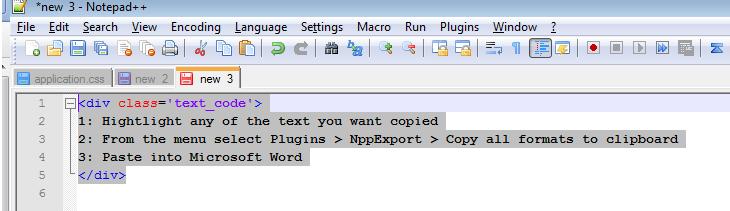
Highlight code
Image unavailable in the original archive: Select NppExport (original file unavailable)
Select NppExport
Image unavailable in the original archive: Paste in Word (original file unavailable)
Paste in Word
And that’s it – all done!