A4988 Stepper motor RaspberryPi
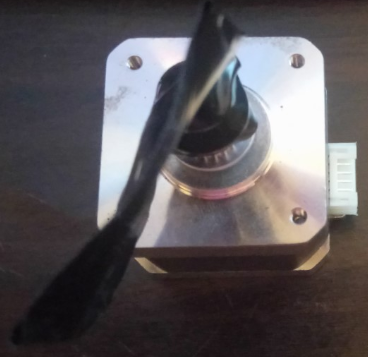
We’re using a 42shd0034-20B Geetech stepping motor taken from a 3d printer:
We’ll be driving it with an A4988 stepper motor controller. You can pick up five packs of these for less than $2 online – definitely worth having a few extras around:
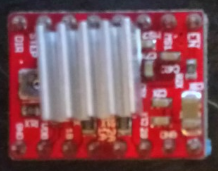
The datasheet is available here: https://www.pololu.com/file/download/A4988.pdf?file\_id=0J450 (original file unavailable)
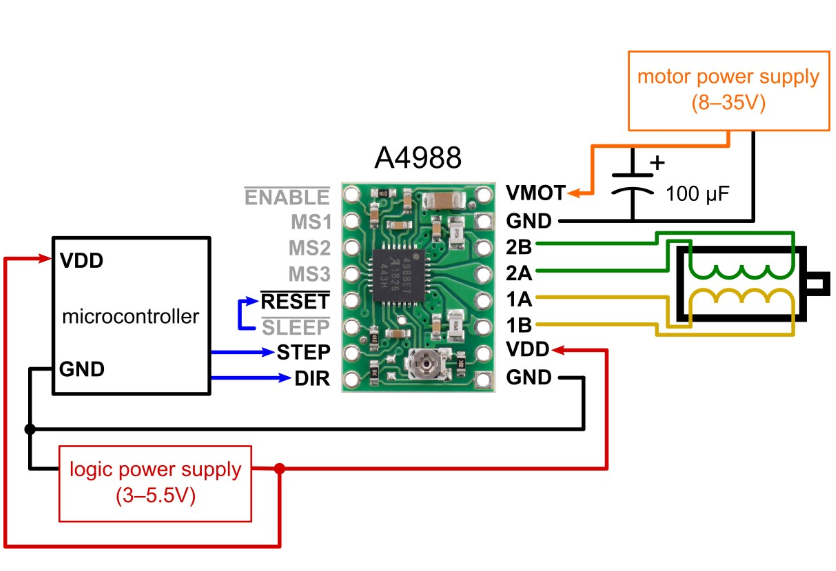
The following diagram illustrates what we’ll be doing:
Once everything is connected it’ll end up looking something like this:
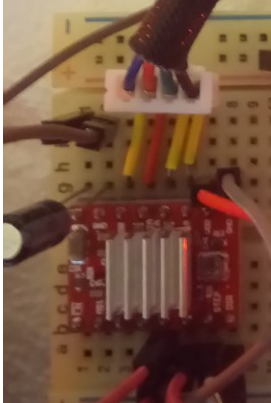
To start, connect your stepping and direction pins. I’ve used GPIO16 for stepping and GPIO21 for direction:
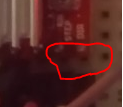
Each time GPIO16 is set to HIGH it will make the stepper motor take one step. When the direction pin is HIGH the stepper motor will go clockwise, when it’s LOW, anti-clockwise.
If you’re not using the sleep functionality, connect the RESET and SLP pins together and then wire them directly to 3.3v:
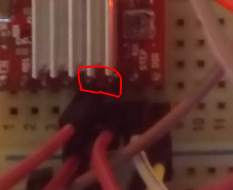
Using a separate power source wire 12v to the GND and VMOT pins. You should also place a capacitor across these pins as close to the board as possible. Generally the longest leg is positive. You’ll also need to connect the external GND to the Raspberry Pi’s GND:
Connect the four pins of the stepper motor:
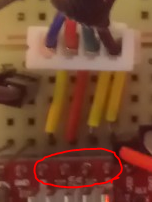
Connect the A4988 to 3.3v and common GND:
The code is pretty straight forward but I’ve provided a class below to help you get started:
# System imports import RPi.GPIO as GPIO from time import sleep
class StepperHandler(): __CLOCKWISE = 1 __ANTI_CLOCKWISE = 0 def __init__(self, stepPin, directionPin, delay=0.208, stepsPerRevolution=200): # Configure instance self.CLOCKWISE = self.__CLOCKWISE self.ANTI_CLOCKWISE = self.__ANTI_CLOCKWISE self.StepPin = stepPin self.DirectionPin = directionPin self.Delay = delay self.RevolutionSteps = stepsPerRevolution self.CurrentDirection = self.CLOCKWISE self.CurrentStep = 0 # Setup gpio pins GPIO.setmode(GPIO.BCM) GPIO.setwarnings(False) GPIO.setup(self.StepPin, GPIO.OUT) GPIO.setup(self.DirectionPin, GPIO.OUT) def Step(self, stepsToTake, direction = __CLOCKWISE): print("Step Pin: " + str(self.StepPin) + " Direction Pin: " + str(self.DirectionPin) + " Delay: " + str(self.Delay)) print("Taking " + str(stepsToTake) + " steps.") # Set the direction GPIO.output(self.DirectionPin, direction) # Take requested number of steps for x in range(stepsToTake): print("Step " + str(x)) GPIO.output(self.StepPin, GPIO.HIGH) self.CurrentStep += 1 sleep(self.Delay) GPIO.output(self.StepPin, GPIO.LOW) sleep(self.Delay) # Define pins STEP_PIN = 16 DIRECTION_PIN = 21 # Create a new instance of our stepper class (note if you're just starting out with this you're probably better off using a delay of ~0.1) stepperHandler = StepperHandler(STEP_PIN, DIRECTION_PIN, 0.0025) # Go forwards once stepperHandler.Step(200) # Go backwards once stepperHandler.Step(200, stepperHandler.ANTI_CLOCKWISE)